


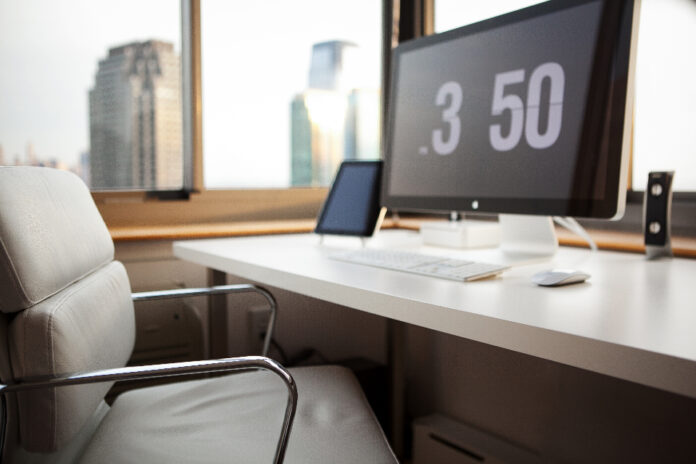
Are you ready to make the shift from working from your bed or the couch to working from a home office setting?

After working for a couple of years without a home office, all because I was too lazy to set it up, I can say that your productivity will go through the roof! So, you are making the right decision.
No more finding a comfortable spot to sit or hunting for a power socket to charge your device while working. No more attending meetings with your neighbor’s dog as background music.

So, let’s help you set up your home office. If you are clueless about where to start, you are at the right place.
I have compiled the best of the best home office essentials that you should get before anything else:
· Dual-Functioning Monitor
If you have a work laptop, then you need a monitor. No matter how wide the laptop screen may be, a monitor screen will always be wider.

With a laptop, we often unconsciously squint our eyes and slouch. This is a nightmare.
This is why a monitor is the first thing you should get for your home office setup. Not only does it improve your productivity, but it also provides visual comfort as you work hard to meet tight deadlines. Plus, the increased screen space is great for working with multiple windows, which means you can get more done in less time.
Recommendation: Which monitor you should get depends on your work. If you need one for general tasks, then I recommend getting the Asus Full HD Monitor in 24-inch (VA24EHE). It is a budget buy that won’t break your bank, but is great in terms of functionality for doing general tasks.

However, if you are a designer or a software engineer and need to focus on smaller details, then I would suggest getting a bigger monitor, so that you can work with small details.
· Desk (or a Standing Desk)
This is a very obvious essential, but I am going to emphasize getting a standing desk. If you think they were hyped for no reason, then you need to read the next few lines. A standing desk will be a great addition to your home office. Their health benefits are endless. If you work while standing, your spine will be aligned, and the pressure on your neck and shoulders will be greatly reduced. It can also help you fight chronic conditions like diabetes and obesity.
Recommendation: Most standing desks are very mechanical-looking, which does not suit the vibe of home offices. I recommend checking the Four Leg Standing Desk from Branch. It has a very sleek look because its legs are not chunky. Plus, it can rise to a 45-inch height and has built-in cord management.
· Reliable Internet Connectivity
Okay, this might be another obvious one, but hear me out. If you are working from home, then being available during your office hours should be a top priority. You can only ensure that if you have 24/7 reliable connectivity. Otherwise, your peers are going to see your status as ‘away’ during work hours, while you struggle with a patchy internet connection. This is why a reliable internet connection matters so much in a home office environment. Not only does it ensure 24/7 connectivity, but it also saves you from wasting time and effort on troubleshooting.
Recommendation: Since fiber internet, which is the winner in reliability, is hardly available in some areas, I recommend finding a cable-backed fiber connection for yourself, like Spectrum Internet. As someone who has been using it for a good couple of years, Spectrum’s internet plans have barely any downtimes, which is exactly what I need for my work. Just to give you an idea of Spectrum’s reliability, I do not remember the last time I contacted Spectrum customer service to complain about an internet outage.
· Ergonomic Chair
A chair can make or break your work-from-home experience. This is why it is important to get an ergonomic chair. An ergonomic chair is proven to provide better support to your spine, shoulders, and neck to minimize discomfort and pain. It also reduces the chances of you developing musculoskeletal disorders. If you are not distracted by body stiffness, you will be able to focus on work better.
Recommendation: There are many ergonomic chairs available, but the cost can go as high as $2000. However, you can still find some in a budget, like the Ergonomic Chair Pro by Branch. It has a sleek design and offers excellent spinal support. It has a variety of adjustment settings, so you can customize it according to your preference. You can play around with the armrests, seat depth, and recline positions to make the chair fit your body type.
You can start setting up your home office by prioritizing these essentials, and then keep adding things as you go. If you have these four things, you can begin working from your home office. Then, as you get some time or the budget, you can keep finetuning your home office with stuff like a cord organizer, lamp, speakers, foot rest, ergonomic wrist pad, printer, scanner, etc. Just make sure that you determine the utility of things before adding them to your office, so you are surrounded by only useful things that make your work-from-home experience convenient.