


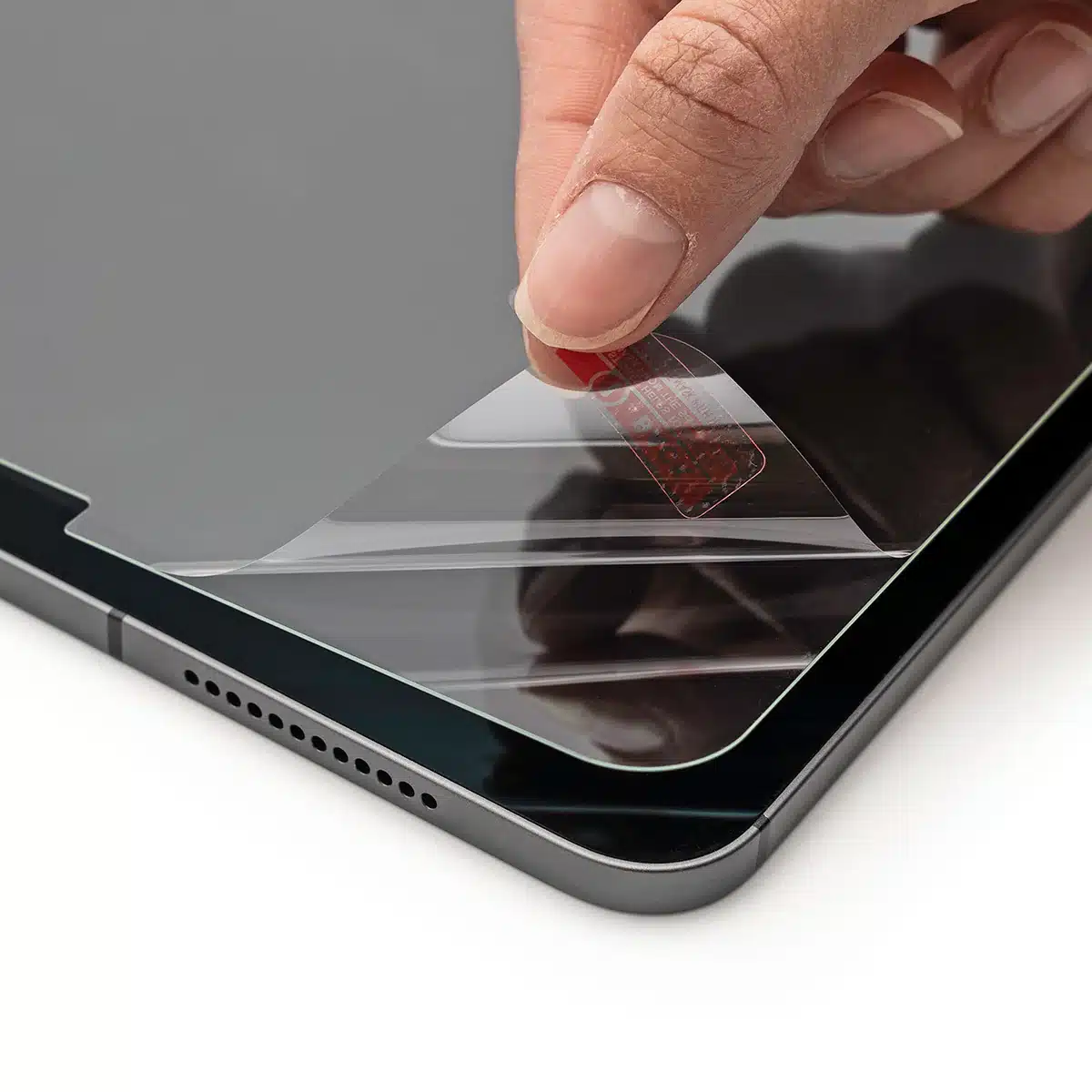
So you just got a new tablet, and now you’re staring at this pristine glass screen wondering what the heck you should put on it to keep it from getting destroyed. The problem is, there’s like five different types of screen protectors out there, and they all claim to be the best thing ever. Let me break down what’s actually different about them so you can figure out which one makes sense for how you actually use your device.
Regular Hard Glass – The Clear Choice for Most People
Let’s start with the straightforward one: hard tempered glass protectors. These are basically just super tough glass that sits on top of your screen. When you drop your tablet, this thing takes the hit instead of your actual display. It doesn’t shatter into a million dangerous pieces either – it’s designed to break in bigger chunks that won’t slice your fingers.
The biggest perk is that you honestly forget it’s there. Your screen looks exactly the same as it did without it. Colors pop the same way, text stays sharp, everything looks vibrant. If you’re someone who binge-watches shows or scrolls through Instagram, you’ll love this because you get zero compromise on visuals. It’s literally just glass protecting glass.

Scratches barely show up either. You can throw your keys in the same bag as your tablet and not worry about the protector getting all scratched up. Some versions, like the UltraFit Armorite line, even have military-grade drop protection – we’re talking they can survive a 6.5-foot drop without cracking. That’s pretty solid.
The catch? Once you drop it hard enough, it breaks. And then you need a new one. If you’re the clumsy type who drops things constantly, this gets expensive fast. But if you’re even semi-careful with your stuff, this is probably your best bet.
Soft Plastic – For the Butterfingers Among Us
Now here’s the opposite approach: soft plastic protectors made from rubber-like material. This stuff is bouncy and flexible. Instead of breaking when you drop your tablet, it just absorbs the impact like a tiny cushion.
If you’re someone who regularly drops your device (hey, no judgment – we’ve all been there), this is worth considering because you can drop it a bunch of times without needing to replace the protector. It’ll keep taking the hit for you.
The problem is the feel and the look. You can definitely tell something is between your finger and the actual screen. It’s not quite the same tactile experience as touching glass directly. Plus, the screen looks a little fuzzy compared to without protection. Not terrible, but noticeably less sharp. And over time? It gets scratched pretty easily and starts looking cloudy.
It also smudges up with fingerprints way more than glass does. So yeah, you get durability, but you trade away that perfect screen experience. This makes sense if you’re beating up your tablet constantly, but if you’re mostly just using it for normal stuff, the sacrifice in quality might not be worth it.
Paper-Feel Glass – For Anyone Who Actually Draws or Takes Notes
Okay, here’s where things get interesting. Paper-feel tempered glass is regular tempered glass but with a super fine texture added to the surface. Why would you want that? Because if you use a stylus or digital pen, writing and drawing on normal glass feels slippery and weird. Your pen just slides around without any resistance, which makes it harder to control fine lines and feels nothing like writing on actual paper.
Paper-feel fixes that. The texture gives you just enough friction that using a stylus actually feels good. Your lines are easier to control, and it genuinely feels more like drawing or writing on real paper instead of on ice.
Here’s the thing though – that texture does something to the look of your screen. You’ll notice about 13% loss in brightness and a slight graininess, especially on photos and detailed images. The trade-off is totally worth it if you’re actually using a pen regularly, but if you’re just browsing the internet, you’re paying extra for a feature you don’t need and getting a slightly hazier screen in return.
One reviewer noted that when they’re writing or drawing with a stylus, the experience is considerably better – there’s actual feedback and confidence when you’re creating something. But when they’re just browsing regular content, yeah, they notice the slight haze. For artists and students, that haze is nothing compared to the improvement in stylus feel.
Paper-Feel Magnetic – The Best-of-Both-Worlds Option (If You Can Remember to Grab It)

This is the clever one. Instead of permanently attaching a textured protector to your screen, you get one that sticks on magnetically using little magnetic strips along the edges. Want that paper feel? Snap it on. Don’t need it? Take it off and enjoy your crystal-clear screen.
This actually makes a ton of sense if you’re like most people – using a stylus maybe 10-20 percent of the time and wanting your screen pristine the other 80 percent. You get full visual clarity when you’re just browsing, watching videos, or messing around, and then when you want to sketch, take notes, or do digital art, you grab the protector and slap it on magnetically.
The magnets are legitimately strong enough that it won’t slip around even when you’re resting your hand on it or holding your tablet in different ways. Installation is super easy – just clean your screen with the included kit and stick it on. Takes like 30 seconds.
The real trade-off here isn’t technical – it’s practical. You need to actually remember to bring the thing with you. One person who reviewed this mentioned that if they’re sitting on the couch wanting to sketch something, they have to get up and go find the protector from wherever they put it. Sometimes they remember, sometimes they don’t. It’s also one more thing taking up space in your bag if you’re out and about.
But honestly? For someone who doesn’t live in their stylus, this setup is kind of perfect. You get the best of both worlds without compromising either.
Real-World Scenarios: What Actually Works
Let me give you some real situations so you can figure out what makes sense for your life.
You’re a college student taking notes and sketching diagrams in class. Get the paper-feel tempered glass. Yeah, your screen looks slightly hazier, but you’re using that stylus constantly, and the improved control is worth it. Plus, it’ll survive you throwing your tablet in your backpack with your textbooks.
You’re someone who watches a lot of Netflix, scrolls social media, and barely touches a stylus. Just get the regular hard glass protector. You want that crystal-clear viewing experience, and you don’t need any of the texture stuff since you’re not using a pen. Assuming you’re not smashing your tablet on the ground every week, this is the move.
You’re an artist or designer who uses your stylus like 15 percent of the time, and you care about screen quality the rest of the time. The magnetic paper-feel protector is honestly perfect for you. One actual reviewer said exactly this – they use their Apple Pencil about 10-20 percent of the time and were “not looking forward to dulling the screen by putting a matte screen protector on it.” So they got the magnetic one instead, and they love it because their screen stays vibrant when they’re not drawing, and they get that paper-feel texture when they want it.
You’re basically a wrecking ball and drop your tablet regularly. Get soft plastic. You’ll sacrifice some visual quality, but you’re not spending money replacing protectors every three weeks. Just accept that your screen won’t look as perfect and move on.
The Bottom Line
Different protectors solve different problems. Hard glass gives you the best screen experience. Paper-feel glass improves stylus control but dulls your screen a bit. Magnetic paper-feel lets you have both clear visuals and stylus texture on-demand, but you gotta remember to grab it. Soft plastic survives anything but looks worse.
Think about how you actually use your tablet – not how you think you’ll use it, but how you really use it. Do you use a stylus? Honestly, like how often? Do you drop stuff a lot? Do you care about perfect screen clarity? Once you know the answers, picking a protector is way easier.